



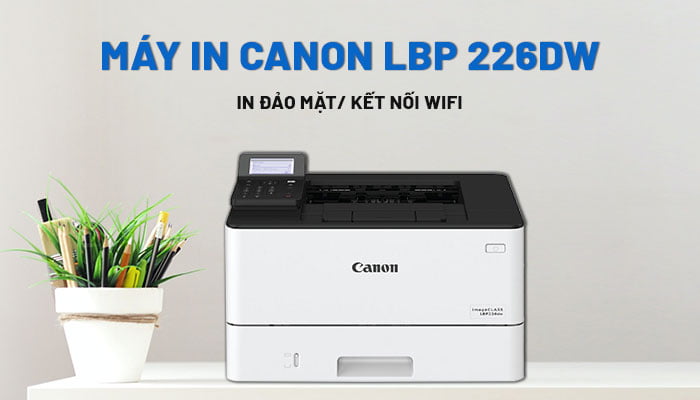
Máy in 2 mặt tự động Canon 226dw (in đảo mặt - in qua wifi) chính hãng
- A brief overview of the Canon LBP 226dw printer.
- Key features of the Canon 226dw printer
- Use non-chip ink cartridges.
- Print directly from a USB storage device.
- Connect to Wi-Fi
- Print from phone
- Large paper tray
- Automatic double-sided printing
- Large paper tray
- Supports multiple printing languages.
- Secure printing
- Easy operation via LCD screen.
- Self-removing ink seal
- Canon 226dw printer specifications
A brief overview of the Canon LBP 226dw printer.
The Canon LBP 226dw printer, with its impressive printing speed of up to 38 pages per minute, large toner cartridge, and high capacity, is an ideal printer for your business.
The Canon 226dw printer features built -in wired LAN printing, wireless WiFi printing, and automatic duplex printing, making it easy to connect and print more conveniently. Additionally, the Canon LBP 226dw allows you to easily print from your smartphone using available apps in the app store.
Key features of the Canon 226dw printer
Use non-chip ink cartridges.
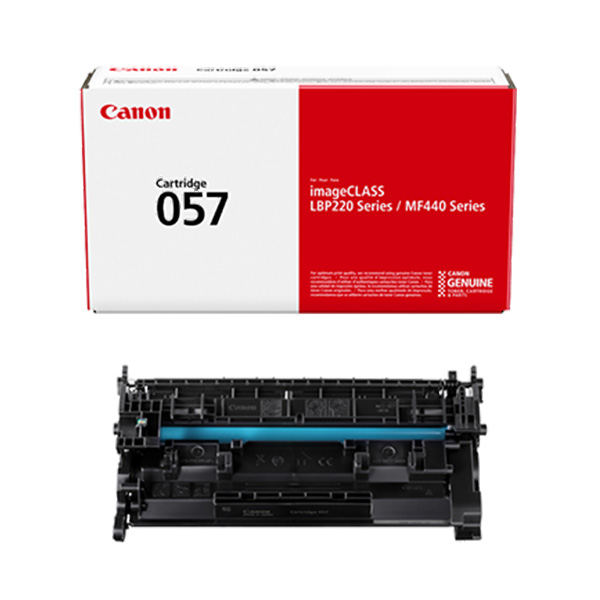
Especially at the present time, due to the global shortage and scarcity of processing chips, Canon has enabled a feature to skip the cartridge check on some models, allowing users to use the Canon 057 chipless cartridge . This helps users save a significant amount of money when using the Canon 226dw printer with the cheaper chipless cartridge.
Print directly from a USB storage device.
With compatible document formats such as image files, PDF files, etc., stored on a USB drive, you can easily print directly from the Canon LBP 226dw printer without having to wait to install driver software and connect to a computer before you can print.
Connect to Wi-Fi
The Canon LBP226dw printer features built -in wired LAN and wireless WiFi printing capabilities , allowing for easy connection and more convenient printing. Thanks to this feature, your office can share the device without relying on a server.

Print from phone
With Canon's latest mobile printing solution, the Canon LBP 226dw printer allows users to print documents from smartphones using mobile applications on iOS: AirPrint, Canon PRINT Business app, and on Android: Mopria certified, Canon Print Service Plug-in, Canon PRINT Business app.
Large paper tray
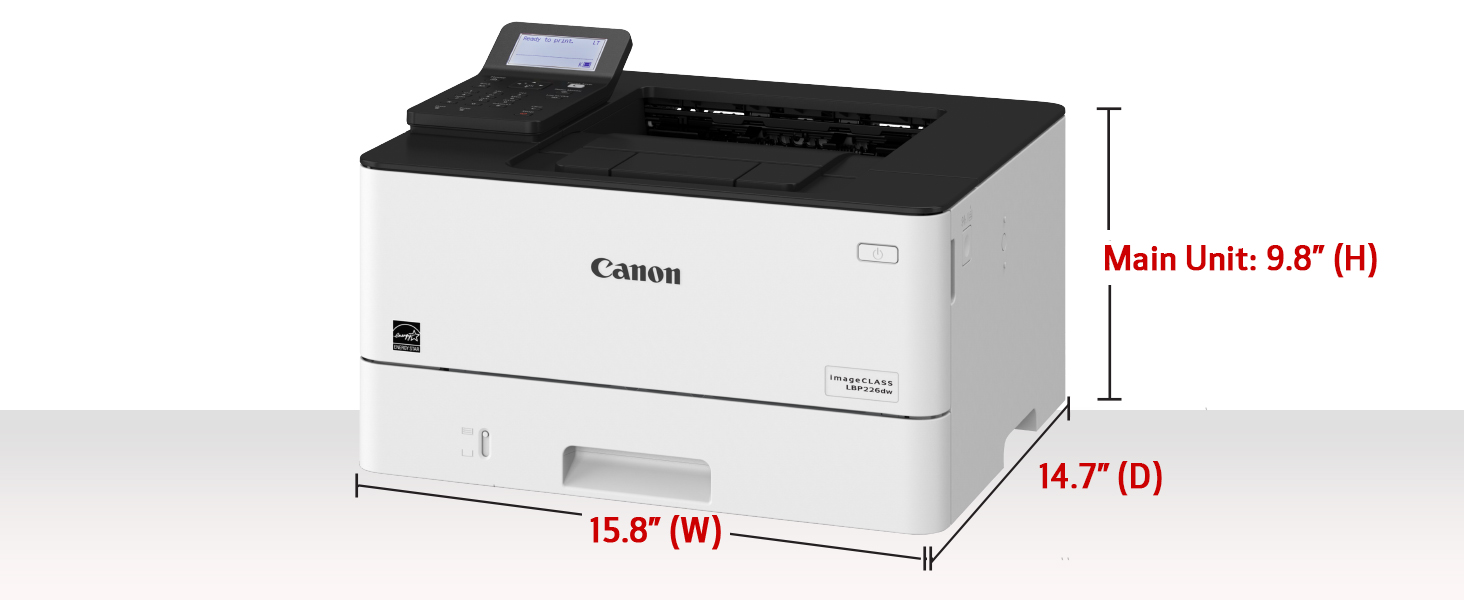
The automatic paper feeder has a capacity of 250 sheets and the manual feeder has a capacity of 100 sheets. The total paper capacity can be expanded to 900 sheets with an additional 550-sheet automatic paper feeder, allowing for longer usage times. With two paper trays (automatic and manual), the Canon LBP 226dw printer allows you to set two commonly used paper sizes, A4 and A5, in the two trays without having to change or select the paper size each time you print.
Automatic double-sided printing
With the Canon 226dw printer, you'll save time and improve efficiency with a high printing speed of 38 A4 pages per minute. Automatic duplex printing helps you print faster and more efficiently.
Large paper tray
The Canon LBP 226dw printer features a 250-sheet automatic paper tray and a 100-sheet manual tray, with a total paper capacity expandable up to 900 sheets with an additional 550-sheet automatic paper feeder, giving you longer usage time.
Supports multiple printing languages.
In addition to UFR II printing language, the Canon LBP 226dw printer also supports PCL and Adobe® PostScript standards, allowing it to work with a wider variety of business applications.
Secure printing
With the Canon 226dw printer , you can have greater peace of mind when printing important documents that need to be kept confidential and not revealed to others. Thanks to its secure printing feature, when a print command is executed on the computer, the user must confirm a PIN code on the Canon LBP 226dw printer before the document is printed. This ensures that information is not leaked, even if the printer is shared by multiple people in the office.
Easy operation via LCD screen.
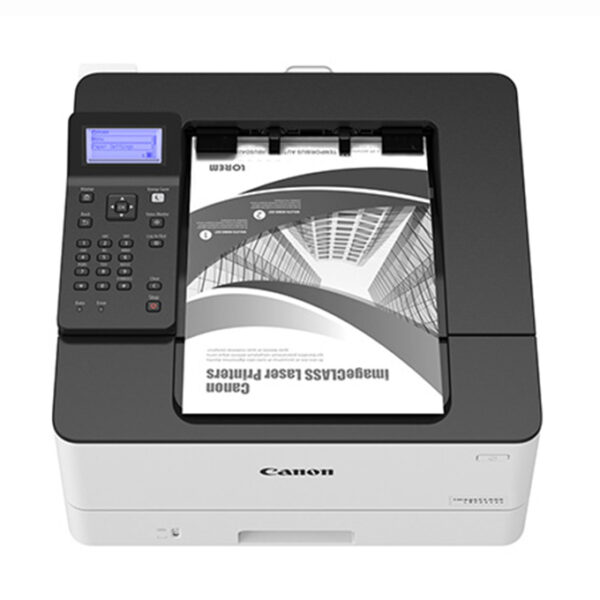
Navigating and configuring settings on the Canon monochrome laser printer is easy with the 5-line LCD screen. A wealth of information is displayed quickly and conveniently for device management and maintenance.
Self-removing ink seal
Experience the ease of replacing ink cartridges with the automatic ink seal removal feature. Simply insert the cartridge into the printer and use it.
Canon 226dw printer specifications
- Printer type: Black and white laser printer
- 5-line monochrome LCD screen
- Speed: 38 pages/minute (A4 size)
- First print time: approximately 5.5 seconds / Printing speed: 38 pages/minute
- Maximum paper size: A4
- Resolution: 600 x 600 dpi
- Print quality with image smoothing technology: 1200 x 1200 dpi
- Printing via wired LAN and wireless WiFi
- Connection port: USB 2.0 Hi-Speed, 10BASE-T/100BASE-TX/1000Base-T, Wireless 802.11b/g/n, Wireless Direct Connection
- Automatic double-sided printing
- Secure Print
- Print directly from a USB memory card with JPEG/TIFF/PDF file formats.
- Printing from mobile devices on iOS: AirPrint, Canon PRINT Business app, and on Android: Mopria certified, Canon Print Service Plug-in, Canon PRINT Business app
- Standard paper tray: 250 sheets / Manual tray: 100 sheets
- Cartridge 057 yields 3,100 A4 pages and 057H yields 10,000 A4 pages with standard ink coverage.
- Monthly printing capacity: 80,000 pages
- Recommended monthly print volume: 750 - 4000 pages
Check the price of the Canon LBP 226dw printer.
If you need advice on used or new genuine printers, genuine Epson, Canon, HP, Brother ink cartridges, printer ink refilling, or printer repair in Quy Nhon - Binh Dinh, Ho Chi Minh City, Phu Yen, Quang Ngai, Dong Nai, etc., don't hesitate to contact LyVyStar!
- Hotline: 0934 486 456 Mr. Lam
- Zalo: 0934 486 456 LyVyStar Printers & Ink Cartridges
- Fanpage: https://bit.ly/3k9oypv
- YouTube: https://bit.ly/381KFIU
* See also: the best used printers currently available
https://marcelogreenes.depedparanaquecity.com/history/
- Hotline: 0934 486 456 Mr Lâm
- Zalo: 0934 486 456 Máy in - Mực in LyVyStar
- Fanpage: https://bit.ly/3k9oypv
- YouTube: https://bit.ly/381KFIU
Tin liên quan:
- Tham khảo các mẫu máy in màu Epson và Canon đang thanh lý
- Các lỗi thường gặp của máy in màu Canon - Epson
- Địa chỉ nạp mực máy in màu Canon - Epson
- Máy in màu Canon - Epson mới chính hãng
- Máy in khổ lớn - máy in quảng cáo
Cung cấp, lắp đặt, nạp mực, sửa chữa máy in Canon, HP, Brother, Epson... tại Quy Nhơn, An Nhơn, Tuy Phước, Phù Cát, Phù Mỹ, Hoài Nhơn, Hoài Ân, An Lão, Tây Sơn, Vân Canh, Vĩnh Thạnh, Gia Lai, Phú Yên
Tin tức liên quan
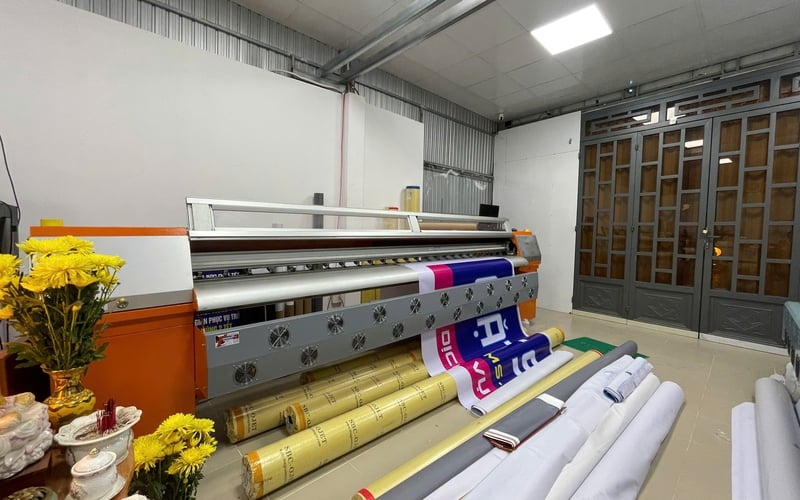
25/04/2026 1181 Lượt xem
Trong bối cảnh ngành quảng cáo phát triển mạnh mẽ tại khu vực miền Trung – Tây Nguyên, nhu cầu tìm kiếm máy in quảng cáo tại Quy Nhơn - Gia Lai ngày càng tăng cao. Từ các doanh nghiệp nhỏ đến các xưởng in lớn đều cần những thiết bị in ấn chất lượng, bền bỉ và tiết kiệm chi phí để phục vụ sản xuất. Bên cạnh đó, việc lựa chọn đơn vị cung cấp uy tín như LyVyStar cũng đóng vai trò quan trọng trong việc đảm bảo hiệu quả đầu tư lâu dài.
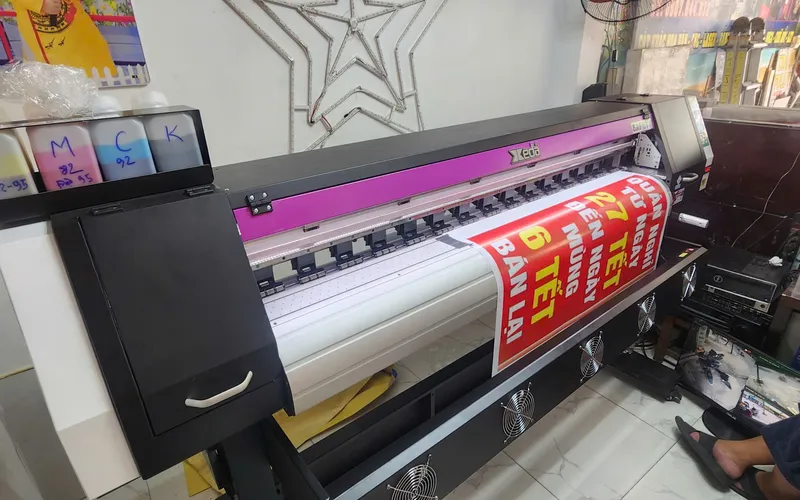
19/04/2026 896 Lượt xem
Trong thời đại marketing hiện đại, việc sử dụng máy in decal quảng cáo đang trở thành xu hướng không thể thiếu đối với các doanh nghiệp, cửa hàng và đơn vị kinh doanh dịch vụ in ấn. Chính vì vậy, đầu tư vào máy in decal quảng cáo chất lượng là một quyết định thông minh giúp tối ưu chi phí và nâng cao hiệu quả kinh doanh. Bài viết dưới đây máy in decal quảng cáo, các loại máy phổ biến, tiêu chí lựa chọn và địa chỉ uy tín – đặc biệt là LyVyStar cung cấp máy in decal quảng cáo giá rẻ tại Gia Lai.
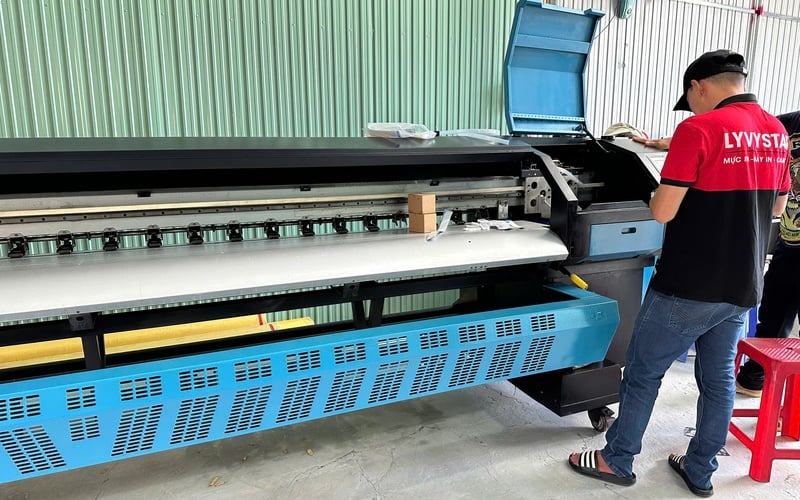
10/04/2026 1068 Lượt xem
Trong bối cảnh ngành quảng cáo ngày càng phát triển mạnh mẽ, nhu cầu đầu tư thiết bị in ấn chuyên nghiệp ngày càng gia tăng. Đặc biệt tại khu vực miền Trung, máy in bạt hiflex tại Quy Nhơn đang trở thành lựa chọn hàng đầu cho các doanh nghiệp, xưởng in và đơn vị quảng cáo. Bài viết dưới đây sẽ giúp bạn hiểu rõ hơn về máy in bạt hiflex tại Quy Nhơn, lợi ích khi sử dụng, tiêu chí lựa chọn và địa chỉ cung cấp uy tín – trong đó nổi bật là LyVyStar cung cấp máy in bạt hiflex giá rẻ tại Quy Nhơn.
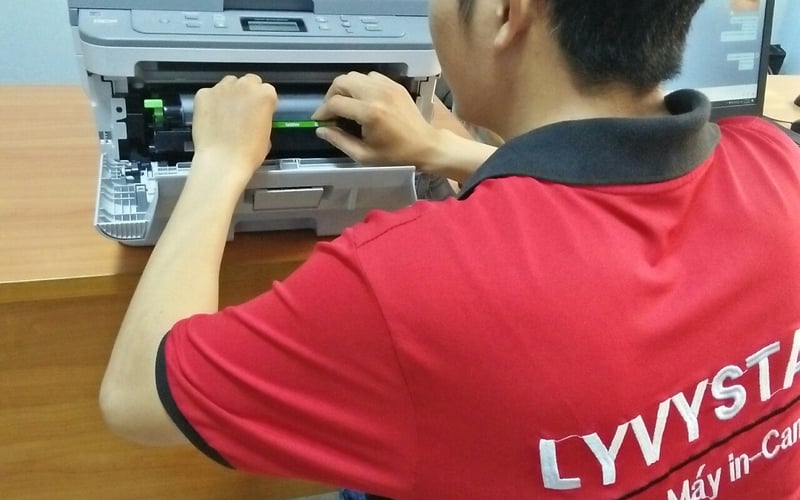
22/03/2026 1310 Lượt xem
Sau một thời gian sử dụng, máy in không tránh khỏi các lỗi kỹ thuật như kẹt giấy, lem mực, không nhận lệnh in… Chính vì vậy, nhu cầu sửa máy in uy tín tại Quy Nhơn - Gia Lai ngày càng tăng cao. Bài viết dưới đây sẽ giúp bạn hiểu rõ hơn về dịch vụ sửa chữa máy in chuyên nghiệp, đồng thời giới thiệu đơn vị LyVyStar cung cấp dịch vụ sửa máy in uy tín tại Quy Nhơn - Gia Lai, mang đến giải pháp nhanh chóng, tiết kiệm và hiệu quả.
16/03/2026 1002 Lượt xem
Máy in khổ lớn Quy Nhơn đang trở thành thiết bị không thể thiếu đối với các công ty quảng cáo, kiến trúc, xây dựng hay doanh nghiệp kinh doanh dịch vụ in ấn. Để lựa chọn được máy in khổ lớn Quy Nhơn chất lượng, phù hợp với nhu cầu và ngân sách không phải là điều dễ dàng. Bài viết dưới đây sẽ giúp bạn hiểu rõ hơn về các loại máy in khổ lớn, lợi ích khi sử dụng và địa chỉ cung cấp máy in khổ lớn giá rẻ tại Quy Nhơn uy tín hiện nay.
10/03/2026 1298 Lượt xem
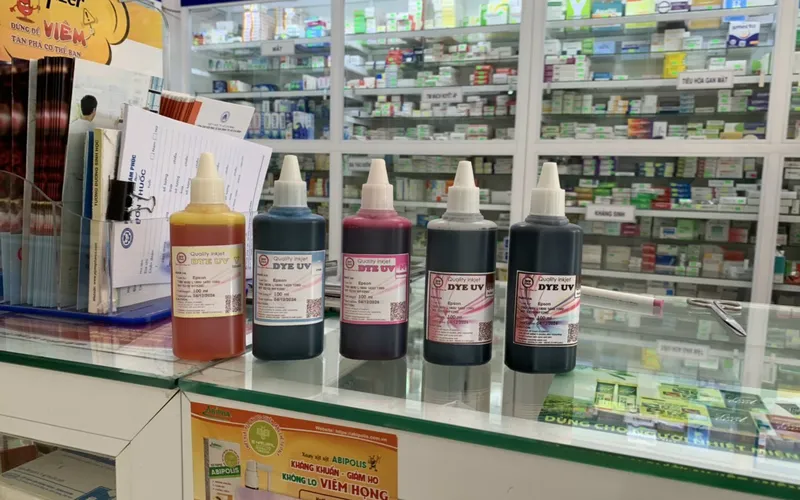
Bạn đang cần một địa chỉ nạp/bơm mực máy in Quy Nhơn nhanh chóng, uy tín và giá rẻ, thì LyVyStar cung cấp dịch vụ nạp/bơm mực máy in tại nhà ở Quy Nhơn chính là lựa chọn hoàn hảo dành cho bạn. Với đội ngũ kỹ thuật viên chuyên nghiệp, dịch vụ nhanh chóng và mức giá hợp lý, LyVyStar đã trở thành địa chỉ tin cậy của nhiều khách hàng tại Quy Nhơn.
23/09/2025 1549 Lượt xem
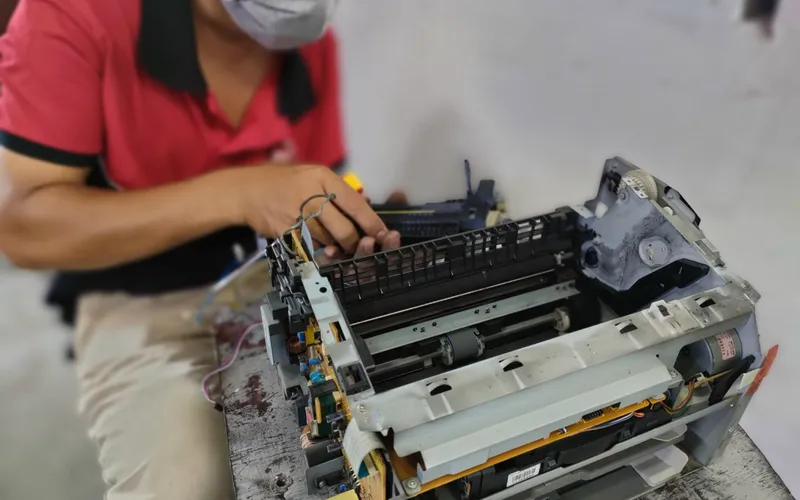
Trong thời đại công nghệ số hiện nay, máy in là thiết bị không thể thiếu trong văn phòng, doanh nghiệp, thậm chí trong gia đình. Khi máy in gặp sự cố kẹt giấy, mất nguồn, in mờ, lệch màu... việc tìm dịch vụ sửa máy in giá rẻ tận nơi Quy Nhơn – Gia Lai trở thành vấn đề cấp thiết. LyVyStar chuyên nhận sửa máy in giá rẻ tận nơi Quy Nhơn – Gia Lai, cam kết khắc phục nhanh chóng, uy tín, giúp khách hàng tiết kiệm thời gian, công sức và chi phí.
09/09/2025 1769 Lượt xem
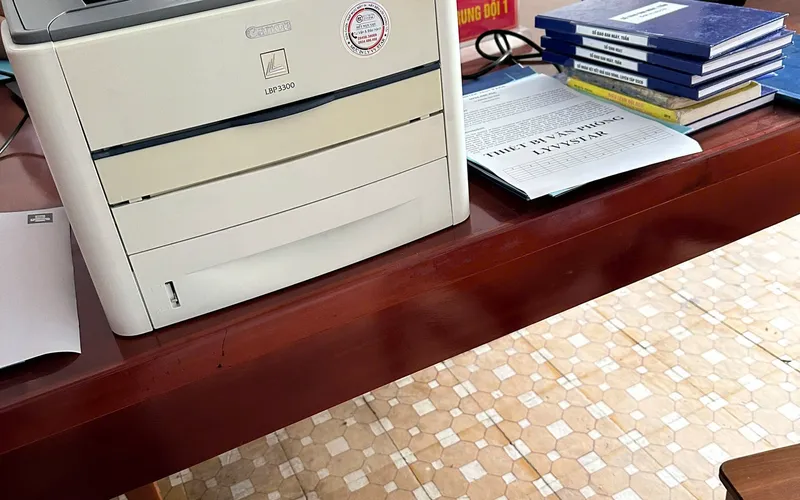
Tại Quy Nhơn, nhu cầu sử dụng máy in cũ giá rẻ Quy Nhơn đang tăng cao, đặc biệt trong các hộ gia đình, văn phòng nhỏ, hoặc các cửa hàng mới mở. Việc lựa chọn máy in cũ giá rẻ Quy Nhơn mang lại lợi ích về chi phí ban đầu thấp, khả năng sử dụng phục vụ công việc ổn định và bản in đảm bảo chất lượng. Nhiều dòng máy in cũ như Canon LBP 2900, HP 1020, Canon 6030, Epson L805... được nhiều người ưa chuộng nhờ độ bền cao và khả năng vận hành hiệu quả giá nằm trong tầm từ 1,5 đến 5 triệu đồng tùy model và tình trạng. LyVyStar là đơn vị đáng tin cậy chuyên cung cấp máy in cũ giá rẻ Quy Nhơn với đầy đủ dịch vụ từ bán, sửa chữa, đến nạp mực, phục vụ tại Quy Nhơn - Gia Lai
31/08/2025 1857 Lượt xem
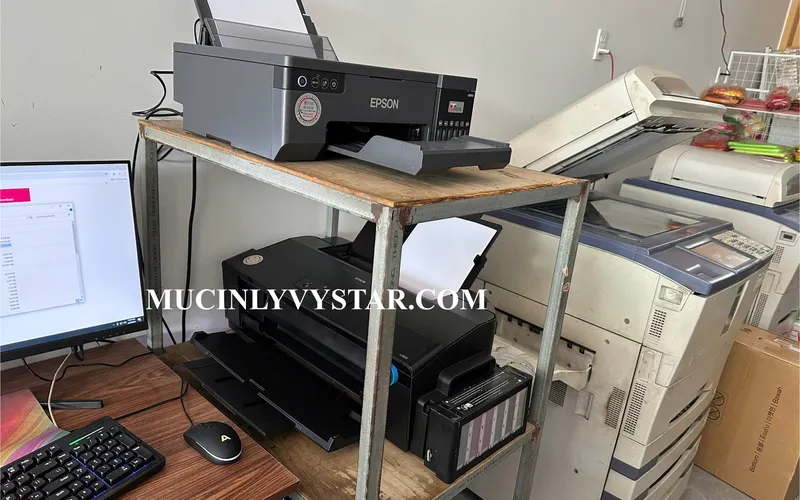
Trong môi trường kinh doanh và học tập hiện nay tại Quy Nhơn - Bình Định, nhu cầu in ấn ngày càng cao. Nhiều cá nhân, hộ gia đình, văn phòng muốn tiết kiệm chi phí nhưng vẫn cần máy in chất lượng. Đó là lý do mà việc tìm máy in giá rẻ Quy Nhơn trở thành ưu tiên hàng đầu. Không chỉ cần giá tốt, người dùng còn mong muốn dịch vụ bảo hành, hỗ trợ kỹ thuật tận nơi. Do đó, địa chỉ LyVyStar cung cấp máy in giá rẻ Quy Nhơn đã trở thành lựa chọn đáng tin cậy.
27/07/2025 1204 Lượt xem
Bạn đang tìm kiếm Máy in giá rẻ tại Quy Nhơn - Gia Lai? Hiện nay, nhu cầu in ấn cá nhân và văn phòng tại Quy Nhơn và Gia Lai ngày càng tăng. Tuy nhiên, ngân sách eo hẹp khiến nhiều người e ngại đầu tư máy in chính hãng. Chính vì thế, Máy in giá rẻ tại Quy Nhơn - Gia Lai trở thành giải pháp thiết thực cho sinh viên, văn phòng nhỏ, người mới bắt đầu khởi nghiệp. LyVyStar Máy in giá rẻ tại Quy Nhơn - Gia Lai là thương hiệu được nhiều người lựa chọn. Với mẫu mã đa dạng, chất lượng ổn định và giá cả cạnh tranh, LyVyStar Máy in giá rẻ tại Quy Nhơn - Gia Lai mang đến lựa chọn phù hợp cho mọi đối tượng khách hàng.
Xem thêm